AI Automation for Small Business: 12 Workflows, Tools and Costs
 By Aniket Gupta, digital marketer & SEO expert
8 min read
Practical guidance from hands-on SEO, website and ads work for small businesses. Prices are my published rates; every other figure links to its source at the end.
Most small businesses don’t need an “AI strategy”. They need the same five or six jobs to stop eating their week: replying to enquiries, typing leads into a sheet, chasing payments, sending reminders. AI automation means handing those repeat jobs to software, with a person still approving anything that matters. Here are the twelve workflows worth automating first, the tools and what they cost, and a simple way to tell whether one will pay for itself.
Key takeaways
- Start with one workflow that happens every day, takes real staff time and follows the same steps each time. Enquiry replies and lead entry are the usual winners.
- Plain automation follows fixed rules; AI adds judgment steps such as reading an invoice, sorting an enquiry or drafting a reply. Keep a person approving anything customer-facing or financial.
- Tool costs are modest: Zapier and Make have free plans, Zapier’s paid plans start at $19.99 a month and n8n Cloud starts at €20 a month billed annually.
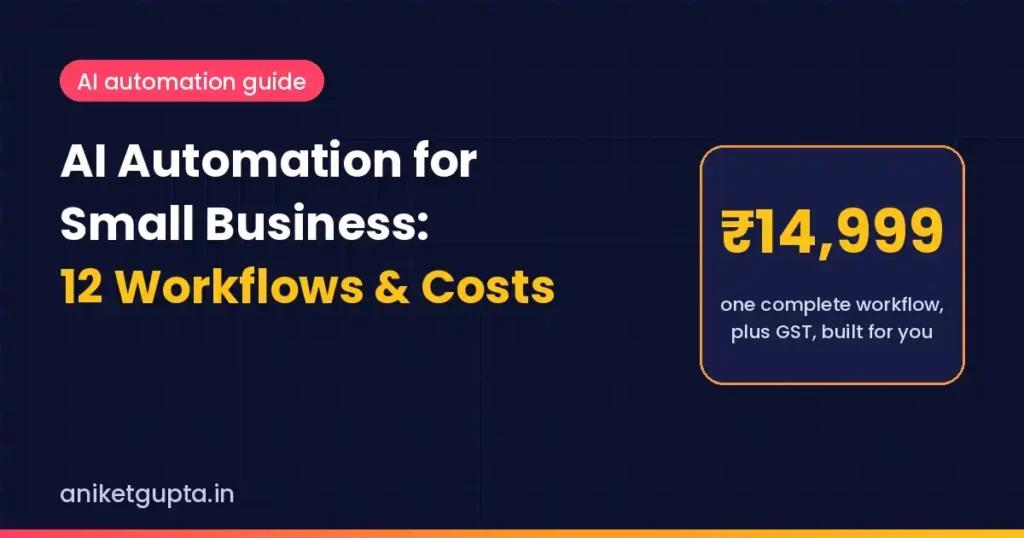
- A professionally built workflow costs from ₹14,999 one-time with me, plus GST, with the tools in your own name.
- Judge it in hours saved and enquiries answered, not features. If a workflow can’t save a few hours a week, don’t build it yet.
What AI automation actually means
Ordinary automation connects your apps with fixed rules: when a form is submitted, add a row to a sheet and send an email. It’s reliable, but it can’t read or decide anything. AI automation adds a step that can: read an invoice and pull out the amount and due date, sort an enquiry into “hot lead”, “price shopper” or “support”, or draft a reply in your tone for someone to approve.
In practice, the best systems are mostly ordinary automation with one or two AI steps where judgment is needed. That keeps them cheap, predictable and easy to fix.
AI automation isn’t an AI chatbot, though one can be part of it. A chatbot answers customers in conversation. Automation moves work between your tools in the background. Many businesses start with a chatbot for enquiries and add back-office workflows later; see AI chatbot development.
12 workflows worth automating first
These come up again and again in small businesses, from clinics and coaching institutes to agencies, shops and service companies:
| Workflow | What the automation does | Where AI helps |
|---|---|---|
| 1. Instant enquiry reply | Replies within seconds on WhatsApp or email when a form or ad lead comes in | Answers common questions from your approved information |
| 2. Lead entry and sorting | Puts every lead from forms, ads and WhatsApp into one sheet or CRM | Tags each lead by service, budget and urgency |
| 3. Missed-call follow-up | Sends a WhatsApp message when a call goes unanswered | Optional: suggests the next step from the caller’s history |
| 4. Appointment reminders | Confirms bookings and sends reminders before the slot | Rarely needed; rules work well |
| 5. Invoice and bill entry | Moves supplier bills from email into your accounts sheet | Reads the PDF and extracts amounts, GSTIN and due dates |
| 6. Payment reminders | Reminds customers before and after the due date | Adjusts tone for first, second and final reminders |
| 7. Review requests | Asks every customer for a Google review after the job is done | Rarely needed |
| 8. Social post drafts | Turns a weekly brief into draft posts for approval | Writes captions and variations in your tone |
| 9. Meeting notes to tasks | Turns call notes into tasks with owners and dates | Summarises and pulls out action items |
| 10. Weekly report | Collects ads, website and CRM numbers into one report | Writes a short plain-language summary |
| 11. Inbox triage | Sorts the support inbox and routes each message | Classifies messages and drafts replies |
| 12. Quote first drafts | Starts a quote from the enquiry details and your price list | Drafts scope and wording for you to check |
How to choose your first workflow
Score each candidate from 1 to 5 on three questions, and start with the highest total:
- How often does it happen? Daily jobs score high; monthly jobs rarely justify a build.
- How much time does it take? Count the minutes per occurrence, including switching between apps.
- What does a mistake or delay cost? A lead answered tomorrow is often a lead lost; a late payment reminder costs cash flow.
Then check one thing: are the steps the same every time? If two people would handle it differently, write the rules down first. Automating a messy process just makes the mess faster.
The tools, and what they cost
| Tool | What it does | Price |
|---|---|---|
| Zapier | Connects thousands of apps; easiest to start with | Free plan; Professional from $19.99 a month; Team from $69 a month |
| Make | Visual workflows with more control per step | Free plan with 1,000 credits a month; paid plans by usage |
| n8n | Flexible workflows; cloud or self-hosted | Cloud Starter €20 a month billed annually (2,500 executions); self-hosted Community Edition runs on your own server |
| AI model (ChatGPT, Claude, Gemini) | The reading, sorting and drafting steps | A team subscription or pay-per-use API; usually small per task |
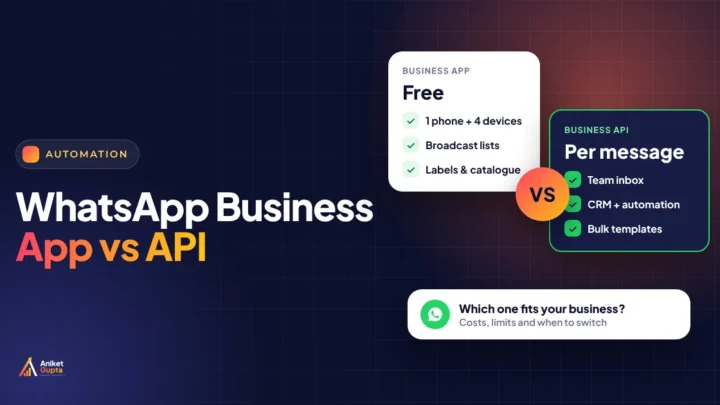
| WhatsApp Business Platform | Automated WhatsApp replies and reminders | Meta charges per delivered template message by category; see my WhatsApp app vs API guide for current rates |
| CRM or Google Sheets | Where leads and tasks live | Sheets is free; most CRMs have free or low-cost starter plans |
For most small businesses, a first workflow runs comfortably on free or entry plans. Costs grow with volume, which is a good problem: it means the workflow is doing real work.
What it costs to have it built
₹0 plus your time
Good for simple, rule-based flows if you’re comfortable with the tools.
- Fine for form-to-sheet and reminders
- Harder once AI steps and WhatsApp are involved
- Budget time for testing and fixing
From ₹14,999 per workflow
My price for one complete workflow, plus GST, built in your accounts.
- Process mapped and agreed first
- Tested with real examples before go-live
- Runs alongside your team for a week
- Tool subscriptions in your name, paid by you
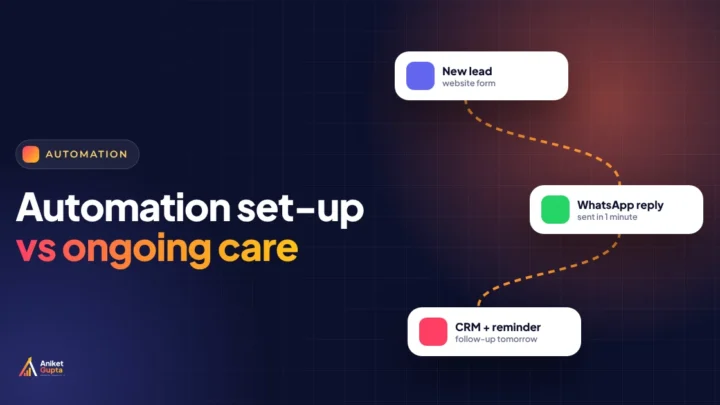
An AI chatbot for WhatsApp or your website starts at ₹19,999 plus GST, and team training starts at ₹14,999. For lead-follow-up systems that connect a CRM, forms, WhatsApp and email, see what a marketing automation set-up and ongoing care cost.
Will it pay for itself? A quick check
Use your own numbers in this sum. The example is illustrative:
| Step | Example |
|---|---|
| Monthly cost of the person doing the job | ₹25,000 |
| Their cost per working hour (about 169 hours a month) | About ₹148 |
| Hours the workflow saves each week | 5 |
| Value of time saved each month (about 21.7 hours) | About ₹3,200 |
| Payback on a ₹14,999 build | About 5 months, before tool costs |
Time saved is only half the story. Faster replies win enquiries that would otherwise go to a competitor, and reminders bring cash in sooner. If one extra customer a month is worth more than the build, the decision is easy.
Guardrails: keep AI useful and safe
- A person approves anything customer-facing, financial or legal, at least until the workflow has a track record.
- Approved answers only. Chatbots and reply drafts should work from information you’ve checked, with a clear handover to a person when unsure. No AI is error-free.
- Personal data handled carefully. Collect only what you need, tell people how it’s used and keep access limited, in line with India’s Digital Personal Data Protection Act, 2023.
- Alerts when something fails. Every workflow should tell someone when a step breaks, instead of failing silently.
- Your accounts, your data. Tools should be in your business’s name, so you’re never locked in to one provider.
A 30-day plan for your first workflow
- Week 1: map Pick the workflow, write down every step and decide where a person must approve.
- Week 2: build Connect the tools, add the AI step if it’s needed and test with 20–30 real past examples.
- Week 3: run alongside Let it run next to your team. Compare its output with what they would have done and fix the gaps.
- Week 4: hand over and measure Switch it on fully, track hours saved and response times, and choose the next workflow.
Not sure which workflow to start with?
On a free 30-minute call we list the jobs that eat your week, pick the one with the clearest payback, and I send a written quote within two working days.
Related guides and services
FAQs
What is AI automation for a small business?
Software that handles repeat jobs such as enquiry replies, lead entry, reminders and invoice entry, with AI steps that read, sort or draft where judgment is needed, and a person approving anything important.
What should I automate first?
A job that happens daily, takes real staff time and follows the same steps every time. Replying to new enquiries and putting leads into one sheet or CRM are the most common first wins.
How much does AI automation cost?
Tools often start free; Zapier’s paid plans start at $19.99 a month and n8n Cloud at €20 a month billed annually. Having a workflow built professionally starts at ₹14,999 plus GST with me.
Zapier, Make or n8n: which should I use?
Zapier is the easiest to start with and connects the most apps. Make gives more control per step for the price. n8n suits complex or high-volume workflows and can be self-hosted. The right choice depends on your apps and volume.
Will AI replace my staff?
For small businesses, it mostly removes the repetitive part of their jobs, so the same team can handle more customers and spend time on work that needs a person.
Is it safe to use AI with customer data?
It can be, with care: collect only what you need, keep access limited, use business accounts and have a person approve customer-facing replies. Follow India’s Digital Personal Data Protection Act, 2023.